Your Support Knowledge
A support knowledge base and a CRM/ticket context map with clear sources and ownership.
 Ship AIAccount
For Support Teams, Founders & Operators
Connect your support knowledge. Give every ticket a clear next step.
Build a support team blueprint around Grok Bot: connect CRM context and a knowledge base, draft responses, and prototype customer chat, ticketing, and an admin review panel.
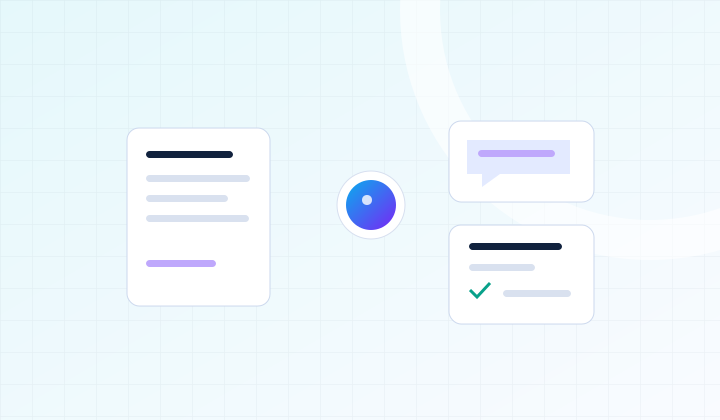 Ship AIWorkshopsQuestion → Draft → Resolution
What You’ll Build
A support knowledge base and a CRM/ticket context map with clear sources and ownership.
A Grok Bot workflow for triage, grounded response drafts, and escalation to a person.
A customer chat prototype that answers from approved knowledge and creates a ticket when needed.
An admin control panel prototype for reviewing drafts, tracking tickets, and testing the end-to-end support flow.
Hands-On Curriculum
Work through each stage on your own project, with guidance as you go.
Choose your CRM, knowledge base, chat, and ticketing connections. Define what the agent can handle, what requires approval, and who owns each escalation.
Organize approved help articles and product context. Add source references and a process for refreshing content; teach the workflow to acknowledge missing or conflicting information.
Map customer records, ticket status, priority, and conversation history. Use a supported connection or sample dataset, then check that the right context reaches the right ticket.
Set up a focused triage and response-drafting workflow with reusable skills. Review proposed replies and sensitive actions such as refunds before applying them.
Use the workshop codebase to prototype a website chat interface and a separate operator panel. Connect approved answers, ticket creation, draft review, and human handoffs.
Try an unknown question, stale article, angry customer, duplicate ticket, and failed connection. Save your checks, escalation rules, and reusable support workflow.
Come Ready To Build
Support leads, founders, and operators who want a practical foundation for handling questions, drafting replies, and escalating the cases that need a person.
Bring a laptop, a few anonymized support tickets, and approved help articles or product documentation. Access to Grok Bot and your CRM or help desk is useful. Light vibe coding experience is ideal; sample tickets and a starter codebase will be available.
Included With Your Ticket
Codebases preloaded with skills and best practices, designed to eliminate 80% of the friction.
Hands-on expert guidance and feedback on your own project.
Recordings, blueprints, slides, templates, prompts, checklists, and code emailed after the workshop.
FAQ
This is a hands-on workshop capped at 12 attendees. The date, daily schedule, and venue will be announced before paid registration opens. Join the free waitlist to receive the details.
Grok Bot is the focus for internal support work: triage, research, drafts, and ticket operations. Customer-facing chat and the admin panel are separate components in the starter codebase. Bring access to Grok Bot and your preferred CRM or help desk; connector availability and permissions vary. Sample data provides a fallback when a live connection is unavailable.
Grok Bot, CRM, help desk, hosting, and API usage costs are separate from admission. We build and test a working prototype; production rollout and connection to every system depend on your stack and access.
No. Waitlist signup is free. We’ll email you when the schedule and paid registration are ready, so you can decide whether to book. No payment is collected now.
Once paid registration opens, tickets will be refundable until the day of the event. If the event is cancelled, you will receive a full refund. Email hi@shipai.club with questions.
Something else on your mind? Ask us.
Your Workshop Pathway
Learn to build a workflow, ground answers in company knowledge, support customers, and report on the business.
Find your starting point with the AI assessment →
A suggested route, not a required bundle. Choose the workshops that fit your experience and project; each ticket is separate.
Suggested PreparationBuild Your Company Knowledge Engine
Your Next StepBuild Your AI Business Intelligence Team
Get The Dates First
Tell us what you want to work on. We’ll email you when the schedule and registration details are confirmed.
Free to join. No payment or seat reservation yet.