Your AI Assistant
Your preferred AI tool configured with useful instructions and context.
 Ship AIAccount
Start Here · Beginner Friendly
From a chat window to your first useful workflow.
Set up Claude, ChatGPT, or Grok Bot, connect your tools, and build and test your first email workflow with hands-on guidance.
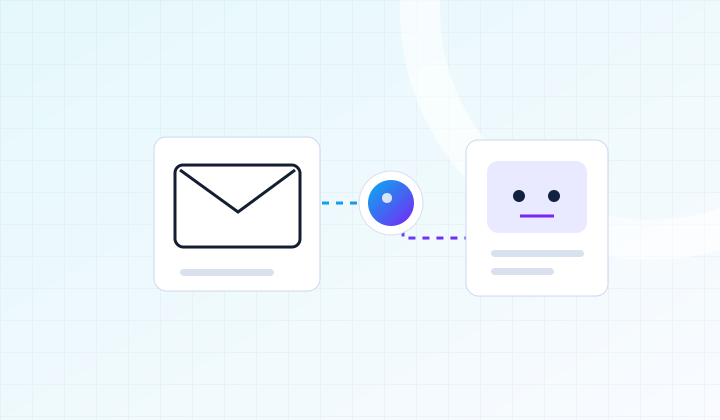 Ship AIWorkshopsInbox → Action
What You’ll Build
Your preferred AI tool configured with useful instructions and context.
An email connection, or a sample-data workflow if your plan or administrator blocks access.
A tested workflow that summarizes messages, identifies next steps, and drafts a reply for your review.
A reusable prompt or skill, a setup checklist, and a simple test log.
Hands-On Curriculum
Work through each stage on your own project, with guidance as you go.
Start with Claude, ChatGPT, or Grok Bot. Understand the difference between chatting, a repeatable workflow, and an agent that can use tools.
Write a clear job brief: what you need, the information it can use, your writing style, and what a good result looks like.
Connect Gmail or Outlook where supported. Add Microsoft Teams as a separate collaboration connection when useful; Teams is not an email inbox.
Have the agent summarize a sample thread, pull out action items, and draft a reply. Review the draft, then test sending with a message to yourself where the tool supports it.
Try a normal message, missing information, and an instruction the agent should not follow. Check sources and output before trusting it with more work.
Save the instructions as a reusable prompt, skill, or workflow supported by your tool. Leave with a checklist for running it again.
Come Ready To Build
People who already use AI chat and want an agent that can help with their actual work. No coding background is required.
Bring a laptop and access to your preferred AI tool and email account. You should be able to sign in and approve connections; a work account may need administrator permission.
Included With Your Ticket
Codebases preloaded with skills and best practices, designed to eliminate 80% of the friction.
Hands-on expert guidance and feedback on your own project.
Recordings, blueprints, slides, templates, prompts, checklists, and code emailed after the workshop.
FAQ
This is a hands-on workshop capped at 20 attendees. The date, daily schedule, and venue will be announced before paid registration opens. Join the free waitlist to receive the details.
You can use Claude, ChatGPT, or xAI’s Grok Bot. Choose one for the hands-on build. Connector access and sending actions vary by tool, subscription, and workplace policy. We’ll guide you through a supported option or use sample messages; you do not need to buy all three tools.
AI tool subscriptions and other software costs are separate from your workshop ticket. Use your preferred supported tools; we’ll have sample-data exercises where a live connection is unavailable.
No. Waitlist signup is free. We’ll email you when the schedule and paid registration are ready, so you can decide whether to book. No payment is collected now.
Once paid registration opens, tickets will be refundable until the day of the event. If the event is cancelled, you will receive a full refund. Email hi@shipai.club with questions.
Something else on your mind? Ask us.
Your Workshop Pathway
Start with a useful agent, move into code-based workflows, then develop the engineering and reliability skills for a delivery system.
Find your starting point with the AI assessment →
A suggested route, not a required bundle. Choose the workshops that fit your experience and project; each ticket is separate.
Your Next StepBuild Your First Agentic Workflow
Get The Dates First
Tell us what you want to work on. We’ll email you when the schedule and registration details are confirmed.
Free to join. No payment or seat reservation yet.